
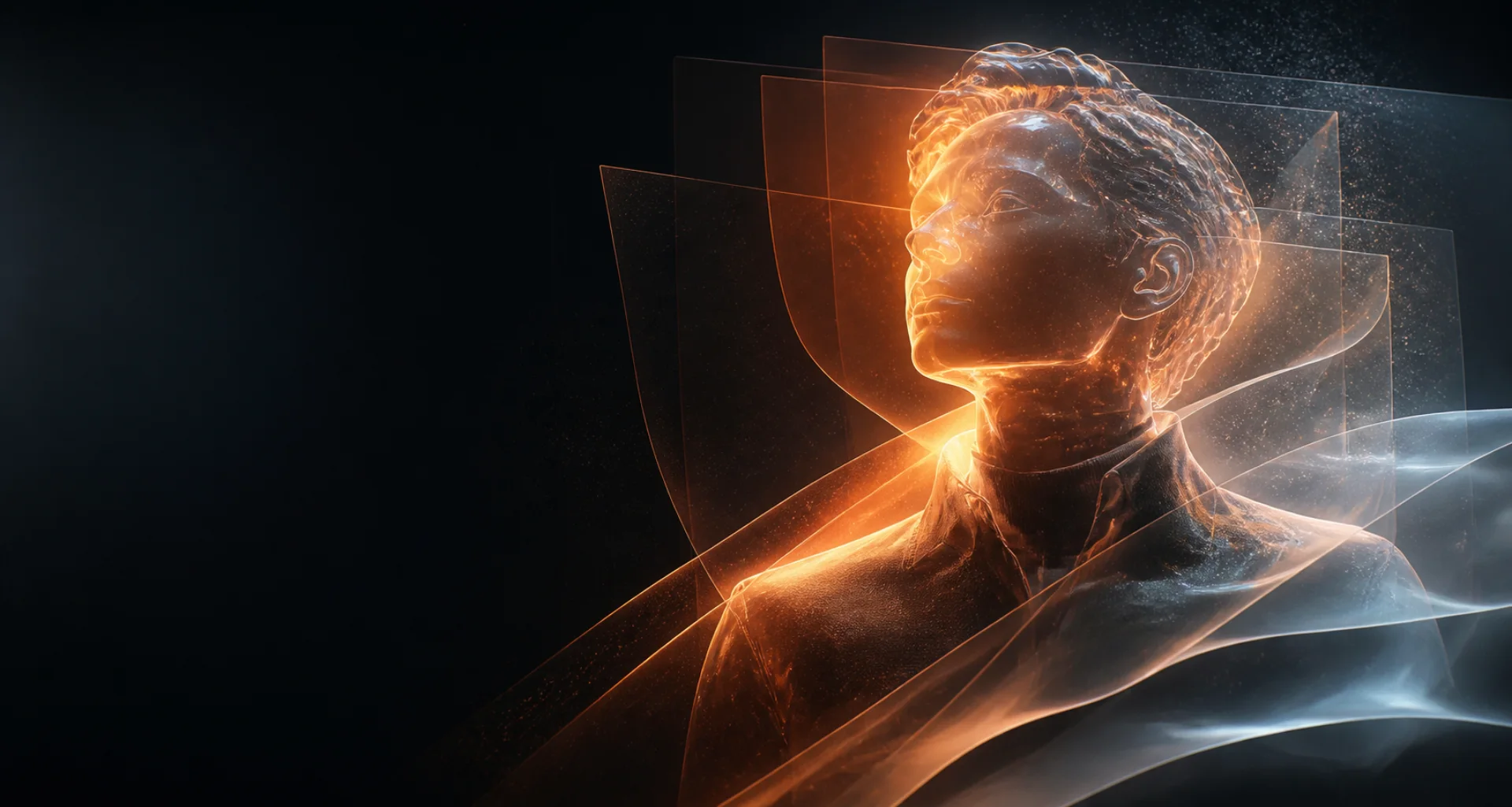
Words into original visuals
Text to image AI generator with multiple models.
Describe a scene, compare available image models, and review the generated results in one workspace. The current default cost is 1 credit per image.
Direct answer
What is text-to-image AI?
Text-to-image AI converts a written prompt into a new image. Your prompt describes the subject, setting, composition, lighting, mood, and visual direction; the selected model interprets those instructions and produces a candidate image for you to review.
At a glance
Key facts before you generate.
- 01
Prompt input
Start with a concrete subject and scene, then add composition, lighting, mood, and style details that support the same idea.
- 02
Model choice
Different image models interpret prompts differently; compare their descriptions and supported controls before generating.
- 03
Current cost
The configured default is 1 credit for each requested image. The live workspace shows the final cost.
- 04
Human review
Check anatomy, text, small details, background logic, and whether the result actually follows the prompt.
A practical workflow
Move from a clear prompt to a reviewed image.
- 01
Define the subject
Name the main subject and the action or pose that matters most.
- 02
Build the scene
Add location, framing, lighting, color, mood, and a coherent visual direction.
- 03
Choose a model
Select an available image model whose capabilities fit the intended output.
- 04
Generate and compare
Review complete images, keep useful candidates, and refine only the parts of the prompt that need work.
Creative control
Prompt structure matters more than keyword volume.
A focused prompt with compatible details is easier to interpret than a long list of conflicting styles. Put the subject and composition first, followed by light, mood, and finishing details.
Results remain probabilistic. Use each output as a candidate, not a guaranteed final asset, and verify rights and accuracy before publishing.
Read responsible-use guidanceBest suited for
Useful across visual concept work.
Original characters
Explore the appearance, wardrobe, setting, and mood of a fictional character.
Scene concepts
Draft environments, cinematic moments, illustrations, and visual directions from a short brief.
Creative comparisons
Run one controlled prompt through suitable models and compare interpretation rather than relying on a single result.
Prompt pattern
A useful starting structure.
Prompt pattern: An adult explorer standing inside a glass observatory above a neon city; waist-up composition; rain on the windows; cool blue rim light; cinematic realism; quiet, reflective mood.
Adapt this structure to your own idea. Model behavior varies, so treat every generation as a candidate to inspect rather than a guaranteed final asset.
Explore the workflow
Related AI creation guides.
- 01
AI image generator
Create and refine images from a visual brief or authorized reference.
- 02
AI character generator
Design an original character for images, short video, and voice.
- 03
AI roleplay generator
Develop an original scenario, cast, boundaries, and opening message.
- 04
Consistent AI characters
Keep recognizable traits while scenes and creative directions change.
- 05
AI video generator
Create short motion from prompts or a selected starting image.
- 06
Image to video AI
Direct the motion of a still image with a focused prompt.
- 07
AI selfie generator
Explore new portrait directions from authorized references.
- 08
AI voice generator
Turn a written script into spoken audio with available voices.
- 09
NSFW AI video generator
Create adults-only motion from prompts or authorized images.
- 10
AI portrait generator
Direct a portrait from text or an authorized reference.
- 11
AI anime generator
Design original anime-inspired characters and scenes.
- 12
AI avatar generator
Create a distinctive still profile image.
Useful answers
Text to image AI FAQ
01How do I generate an image from text?
Choose Image mode, select a model, describe the subject and scene, generate, and review every result before using it.
02What makes a good AI image prompt?
A useful prompt clearly states the subject, action, setting, composition, lighting, mood, and intended visual direction without conflicting instructions.
03Can I compare multiple AI models?
NSFWSpace exposes a live multi-model catalog. Availability and controls depend on the configured providers.
04How much does one image cost?
The current configured default is 1 credit per requested image. Confirm the displayed cost before submitting.
Create, compare, review
Turn a clear visual brief into an image.
Editorially reviewed: