
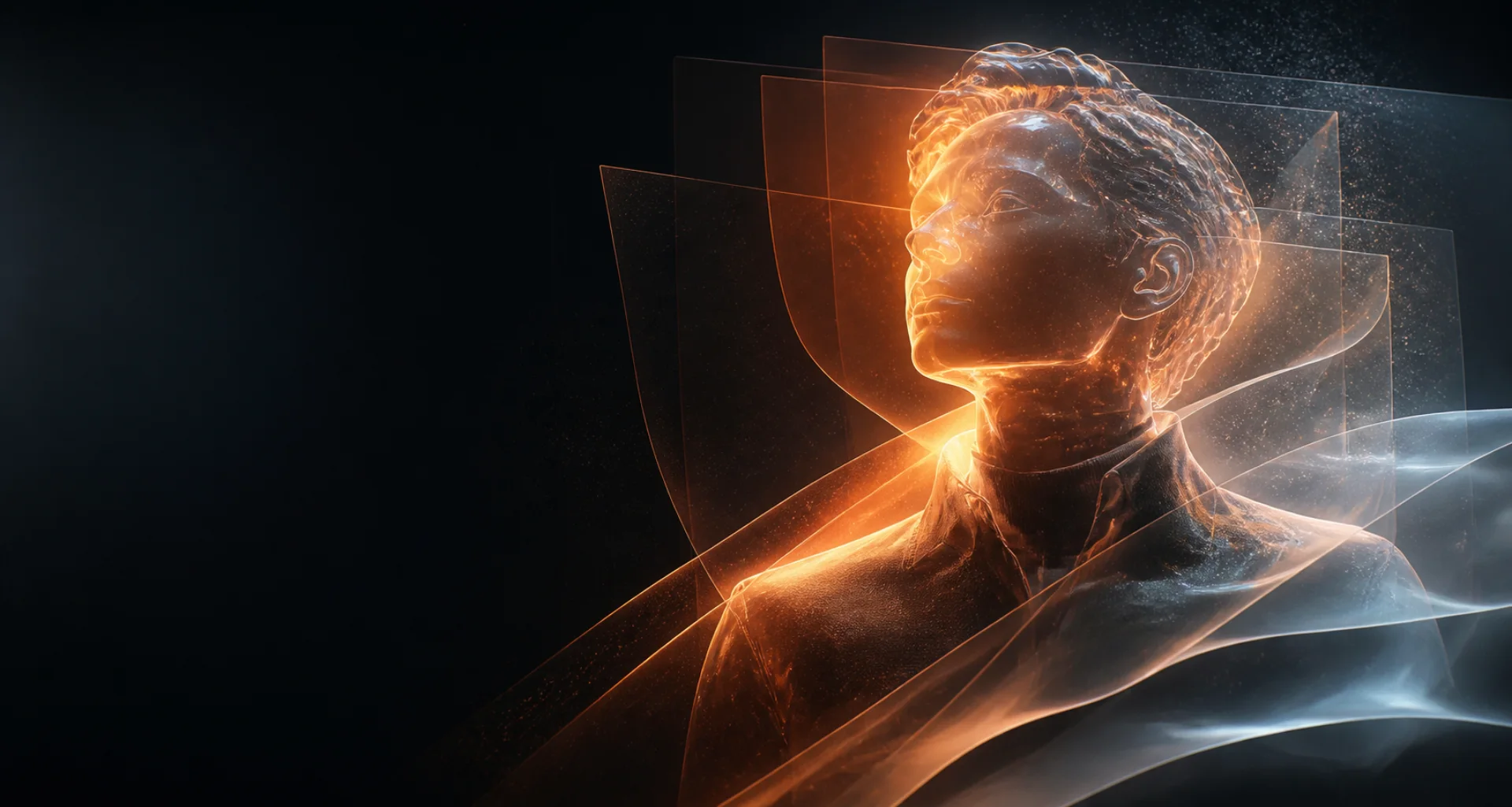
Profile characters from text or references
AI avatar generator for distinctive profile images.
Create an original avatar from a written description or use an authorized reference on supported models. Explore realistic, illustrated, cinematic, or stylized profile-image directions and review each result.
Direct answer
What is an AI avatar generator?
An AI avatar generator creates a profile-oriented character image from text or, on compatible models, a reference image. Unlike a full animated or 3D avatar system, this workflow produces still images for visual identity concepts, profiles, characters, and creator projects.
At a glance
Key facts before you generate.
- 01
Output type
NSFWSpace generates still avatar images; it does not claim to create rigged 3D models or talking-avatar videos.
- 02
Creative direction
Control crop, expression, wardrobe, background, palette, lighting, and realistic or illustrated treatment.
- 03
Reference option
Use only authorized images and select a model that explicitly supports reference input.
- 04
Profile review
Check recognizability at small size, clean edges, face and hand details, and how the crop works in a square frame.
A practical workflow
Create a profile-ready avatar concept.
- 01
Choose the identity
Define an original adult character or select an authorized reference image.
- 02
Plan the crop
Describe a head-and-shoulders or waist-up composition that remains readable at profile size.
- 03
Set the visual direction
Specify expression, wardrobe, background, palette, lighting, and realistic or illustrated treatment.
- 04
Review at small size
Inspect face, silhouette, background separation, and recognizability before using the image as a profile asset.
Creative control
Design for the place the avatar will appear.
A simple background, strong silhouette, clear expression, and controlled crop usually survive small profile displays better than a wide, detailed scene.
Reference-led avatars can still drift from the source. Do not use a generated avatar to impersonate someone, evade verification, or mislead viewers about identity.
Read responsible-use guidanceBest suited for
Profile images and fictional identities.
Creator profile concepts
Explore a recognizable visual direction for an authorized creator or an original virtual persona.
Fictional character icons
Turn an original character brief into a compact image for project organization or storytelling.
Stylized profile variations
Compare realistic, illustrated, cinematic, fantasy, or futuristic treatments from one core identity brief.
Prompt pattern
A useful starting structure.
Avatar brief: Clearly adult original creator; head-and-shoulders square portrait; confident half-smile; black geometric jacket; deep teal background; soft frontal key light; clean silhouette; polished editorial illustration.
Adapt this structure to your own idea. Model behavior varies, so treat every generation as a candidate to inspect rather than a guaranteed final asset.
Explore the workflow
Related AI creation guides.
- 01
AI image generator
Create and refine images from a visual brief or authorized reference.
- 02
AI character generator
Design an original character for images, short video, and voice.
- 03
AI roleplay generator
Develop an original scenario, cast, boundaries, and opening message.
- 04
Consistent AI characters
Keep recognizable traits while scenes and creative directions change.
- 05
AI video generator
Create short motion from prompts or a selected starting image.
- 06
Image to video AI
Direct the motion of a still image with a focused prompt.
- 07
AI selfie generator
Explore new portrait directions from authorized references.
- 08
AI voice generator
Turn a written script into spoken audio with available voices.
- 09
NSFW AI video generator
Create adults-only motion from prompts or authorized images.
- 10
Text to image AI
Turn a written visual brief into a new image.
- 11
AI portrait generator
Direct a portrait from text or an authorized reference.
- 12
AI anime generator
Design original anime-inspired characters and scenes.
Useful answers
AI avatar generator FAQ
01Can I create an avatar from a photo?
Yes, when a compatible model supports references. Use only a photo you own or have explicit permission to use.
02Does this create a 3D or talking avatar?
No. This page describes still-image avatar generation. Video and spoken-audio workflows are available separately.
03What size should an avatar prompt target?
Ask for a square, head-and-shoulders or waist-up composition with a clean background and readable silhouette.
04Can I make an avatar of another person?
Only with the consent and rights required for that use. Do not impersonate people or create deceptive identity materials.
Create, compare, review
Create a profile image with a clear identity.
Editorially reviewed: