
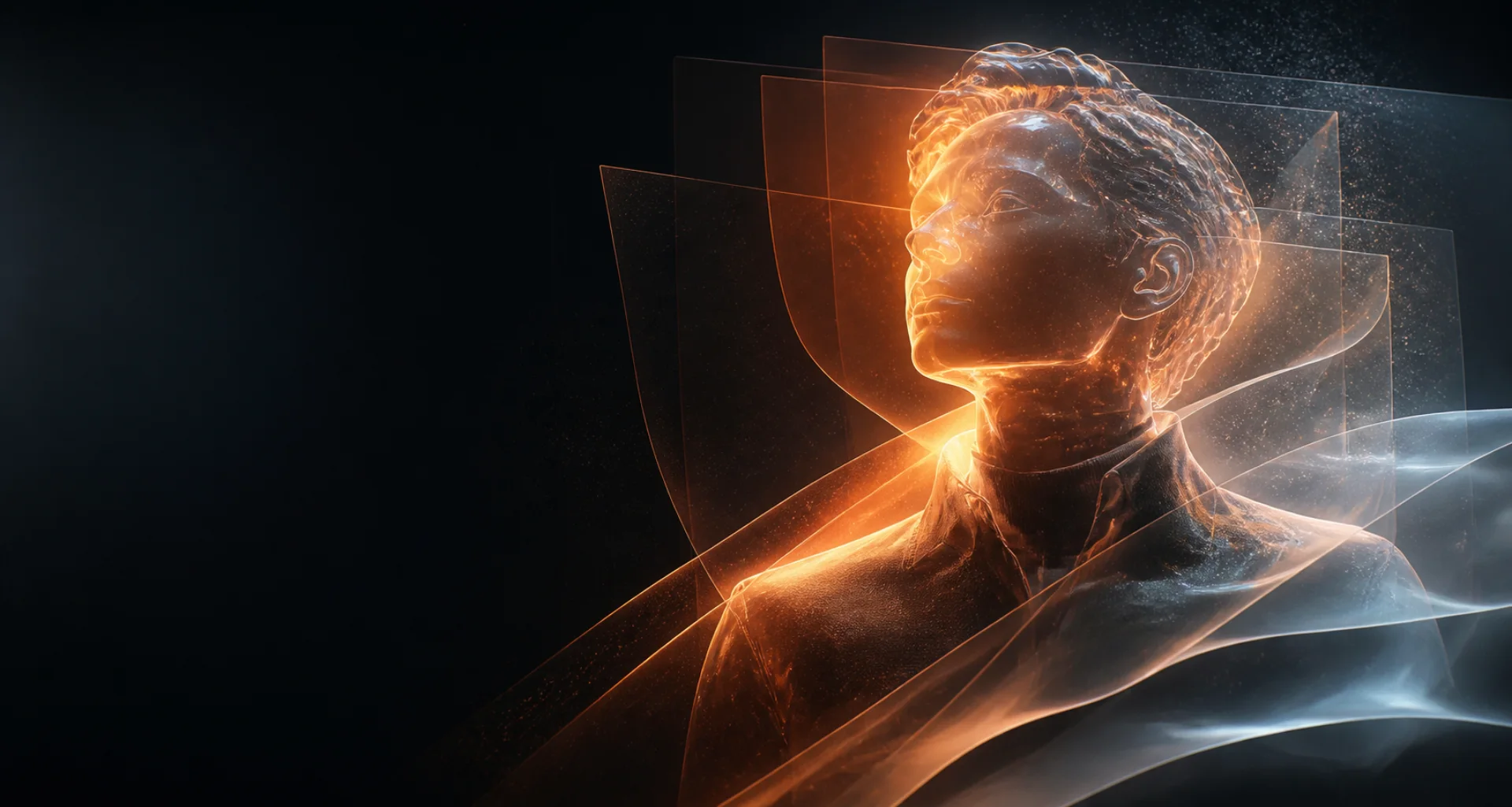
Portraits from prompts or references
AI portrait generator for original visual directions.
Create portraits from a written brief or an authorized reference on supported models. Direct framing, expression, wardrobe, background, lighting, and mood, then review the result closely.
Direct answer
What does an AI portrait generator do?
An AI portrait generator creates a person-centered image from text and, on supported models, a reference image. The prompt directs presentation and scene choices while the reference can help communicate appearance or composition; neither guarantees exact identity preservation.
At a glance
Key facts before you generate.
- 01
Portrait brief
Specify subject, crop, camera angle, expression, wardrobe, setting, lighting, and mood.
- 02
Reference support
Reference images are available only on compatible models and must be images you have permission to use.
- 03
Identity limits
Facial features can drift between outputs; compare eyes, proportions, hair, age cues, and distinguishing details.
- 04
Responsible use
Do not create deceptive or sexualized real-person images without explicit authorization and the necessary rights.
A practical workflow
Create a portrait with deliberate choices.
- 01
Choose text or a reference
Start from a written character brief or upload an authorized image when a compatible model supports it.
- 02
Direct the portrait
Describe crop, pose, expression, wardrobe, background, lighting, and visual style.
- 03
Select a suitable model
Review model capabilities and choose one that fits realism, illustration, or reference-led work.
- 04
Inspect facial details
Compare identity, eyes, teeth, hands, hair edges, background artifacts, and overall prompt alignment.
Creative control
Separate identity cues from styling cues.
Keep recognizable traits stable while changing only a few creative variables such as wardrobe, location, or lighting. This makes it easier to see why an output changed.
A reference guides the model but does not prove identity, ownership, or consent. Keep authorization records and label synthetic portraits where context could mislead viewers.
Read responsible-use guidanceBest suited for
Portrait concepts for fictional and authorized subjects.
Character portraits
Design a clearly original adult character with a specific expression, wardrobe, and environment.
Profile-image concepts
Explore crops, backgrounds, lighting, and presentation before selecting a reviewed result.
Editorial visual studies
Compare realistic, cinematic, fashion, or illustrated portrait directions from one controlled brief.
Prompt pattern
A useful starting structure.
Portrait brief: Clearly adult fictional subject; shoulders-up portrait; relaxed expression; charcoal jacket; soft window light from camera left; neutral studio background; 85mm portrait feel; natural skin texture.
Adapt this structure to your own idea. Model behavior varies, so treat every generation as a candidate to inspect rather than a guaranteed final asset.
Explore the workflow
Related AI creation guides.
- 01
AI image generator
Create and refine images from a visual brief or authorized reference.
- 02
AI character generator
Design an original character for images, short video, and voice.
- 03
AI roleplay generator
Develop an original scenario, cast, boundaries, and opening message.
- 04
Consistent AI characters
Keep recognizable traits while scenes and creative directions change.
- 05
AI video generator
Create short motion from prompts or a selected starting image.
- 06
Image to video AI
Direct the motion of a still image with a focused prompt.
- 07
AI selfie generator
Explore new portrait directions from authorized references.
- 08
AI voice generator
Turn a written script into spoken audio with available voices.
- 09
NSFW AI video generator
Create adults-only motion from prompts or authorized images.
- 10
Text to image AI
Turn a written visual brief into a new image.
- 11
AI anime generator
Design original anime-inspired characters and scenes.
- 12
AI avatar generator
Create a distinctive still profile image.
Useful answers
AI portrait generator FAQ
01Can I create a portrait from a photo?
Yes, when the selected model supports reference images. Upload only a photo you own or have permission to use.
02Will the generated portrait look exactly like the reference?
Not necessarily. Generative models can change facial features and other details, so inspect every output carefully.
03Can I make an original portrait using only text?
Yes. Describe a fictional adult subject, framing, expression, wardrobe, environment, lighting, and style.
04Can I use someone else’s face?
Only when you have the consent and rights required for the intended use. Never make deceptive, exploitative, or sexualized real-person content.
Create, compare, review
Create a portrait with a clear visual direction.
Editorially reviewed: