
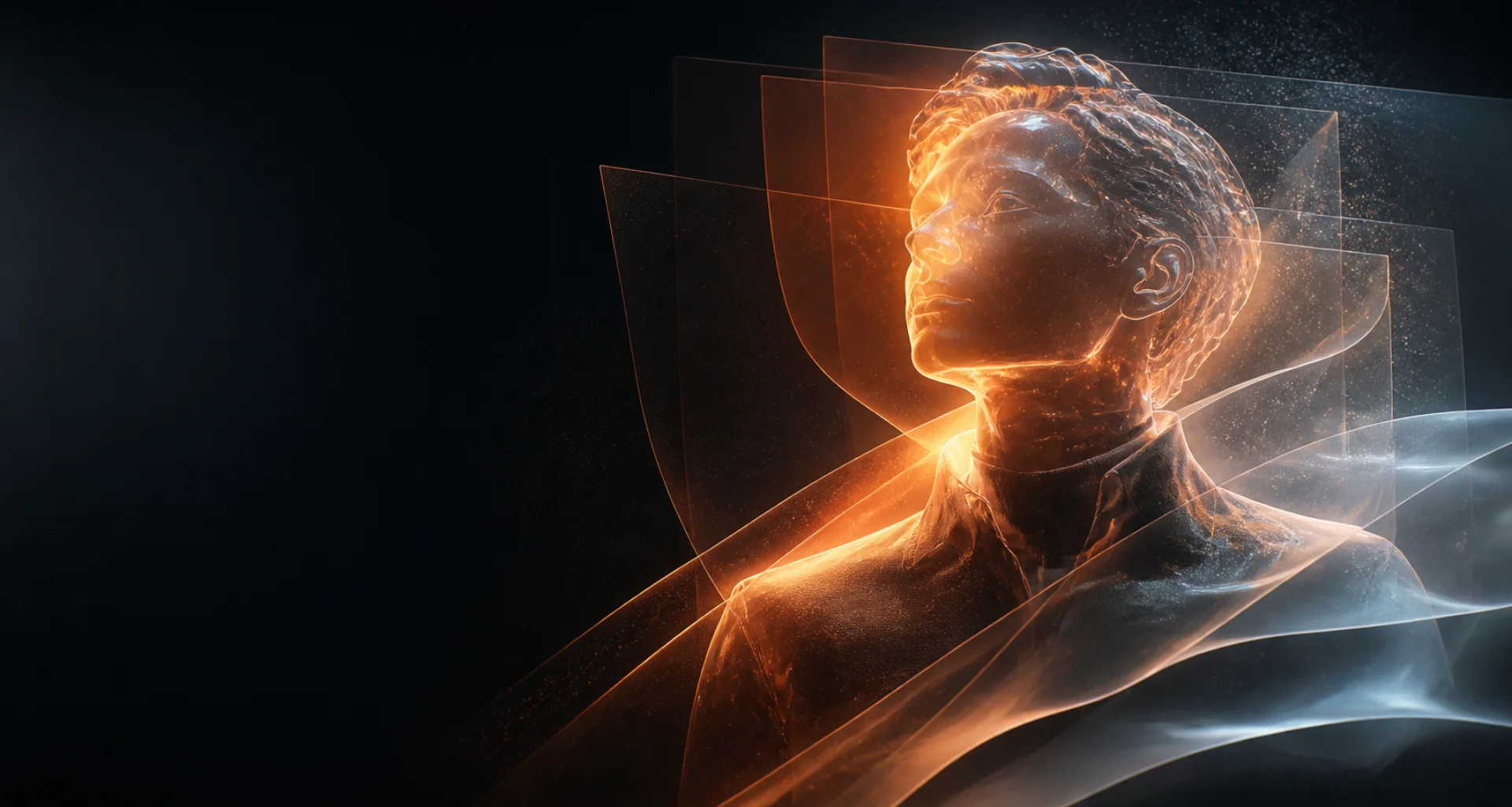
Text and reference to image
AI image generator for ideas worth refining.
Turn a visual brief into an AI-generated image, compare available models, review the details, and keep useful results organized in your NSFWSpace library.
Direct answer
What is an AI image generator?
An AI image generator creates a new image from a written prompt and, on supported models, an authorized reference image. In NSFWSpace, you describe the subject and scene, choose an available model, generate a result, inspect it for quality and accuracy, and refine the direction when needed.
At a glance
Key facts before you generate.
- 01
Input
Start with a written visual brief. Supported models may also accept an image you own or are authorized to use as a reference.
- 02
Model choice
Available models can differ in style, prompt interpretation, reference support, dimensions, generation time, and credit cost.
- 03
Output
Each generation produces a candidate image to review. Fine details, text, hands, anatomy, and reference fidelity can vary between attempts.
- 04
Creative rights
Use prompts and reference material you have the right to use, and review every result before downloading, sharing, or publishing it.
A practical workflow
Create an AI image in four practical steps.
- 01
Describe the complete scene
Define the subject, setting, composition, lighting, mood, color, and visual style in a coherent prompt.
- 02
Choose an image model
Compare the models and controls currently shown in the workspace, including reference-image support when relevant.
- 03
Generate a candidate
Submit the prompt and let the selected model interpret the visual relationships in your brief.
- 04
Review and refine
Inspect composition and small details, then change one meaningful variable at a time before generating another version.
Creative control
Direct the image with relationships, not keyword piles.
A useful prompt explains what is in the scene and how its elements relate: where the subject is placed, how the camera frames it, where light comes from, and what mood the palette should create.
AI image results are probabilistic and model-dependent. NSFWSpace does not guarantee perfect text, anatomy, identity preservation, or factual accuracy. Use authorized references, avoid deceptive impersonation, and inspect the final image before use.
Read responsible-use guidanceBest suited for
Useful for original visual concepts and iterations.
Concept art and mood studies
Explore composition, atmosphere, lighting, and color directions before committing to a finished creative treatment.
Original characters and scenes
Develop a new character or environment from descriptive traits without copying a real person or protected work.
Creator and profile visuals
Draft distinctive thumbnails, avatars, portraits, or campaign concepts, then review them for the intended context.
Prompt pattern
A useful starting structure.
Prompt pattern: An original explorer standing beside a glass observatory at blue hour, medium-wide composition, soft rim light, deep indigo and amber palette, cinematic realism, detailed environment.
Adapt this structure to your own idea. Model behavior varies, so treat every generation as a candidate to inspect rather than a guaranteed final asset.
Explore the workflow
Related AI creation guides.
- 01
AI character generator
Design an original character for images, short video, and voice.
- 02
AI roleplay generator
Develop an original scenario, cast, boundaries, and opening message.
- 03
Consistent AI characters
Keep recognizable traits while scenes and creative directions change.
- 04
AI video generator
Create short motion from prompts or a selected starting image.
- 05
Image to video AI
Direct the motion of a still image with a focused prompt.
- 06
AI selfie generator
Explore new portrait directions from authorized references.
- 07
AI voice generator
Turn a written script into spoken audio with available voices.
- 08
NSFW AI video generator
Create adults-only motion from prompts or authorized images.
- 09
Text to image AI
Turn a written visual brief into a new image.
- 10
AI portrait generator
Direct a portrait from text or an authorized reference.
- 11
AI anime generator
Design original anime-inspired characters and scenes.
- 12
AI avatar generator
Create a distinctive still profile image.
Useful answers
AI image generator FAQ
01How do I generate an AI image?
Open the generator, choose an available image model, describe the subject and scene, add an authorized reference if the model supports it, generate, and review the complete result.
02What should an AI image prompt include?
Describe the subject, setting, composition, viewpoint, lighting, mood, colors, and visual style. Clear relationships are usually more useful than a disconnected list of keywords.
03Can I generate from a reference image?
Some image models support reference inputs. Use only images you own or are authorized to use, and check the live model controls because capabilities can change.
04Why does the generated image differ from my prompt?
Image models interpret prompts probabilistically. Try clarifying the most important relationship, simplifying conflicting instructions, changing the model, or refining one variable at a time.
05Can I use a generated image commercially?
Usage rights can depend on the selected provider, model, source material, and your jurisdiction. Review the applicable terms and obtain professional advice when rights are important.
Create, compare, review
Turn a clear visual brief into your next image.
Editorially reviewed: